Home
Open http://127.0.0.1:8188/comfyart/ to land on the home page.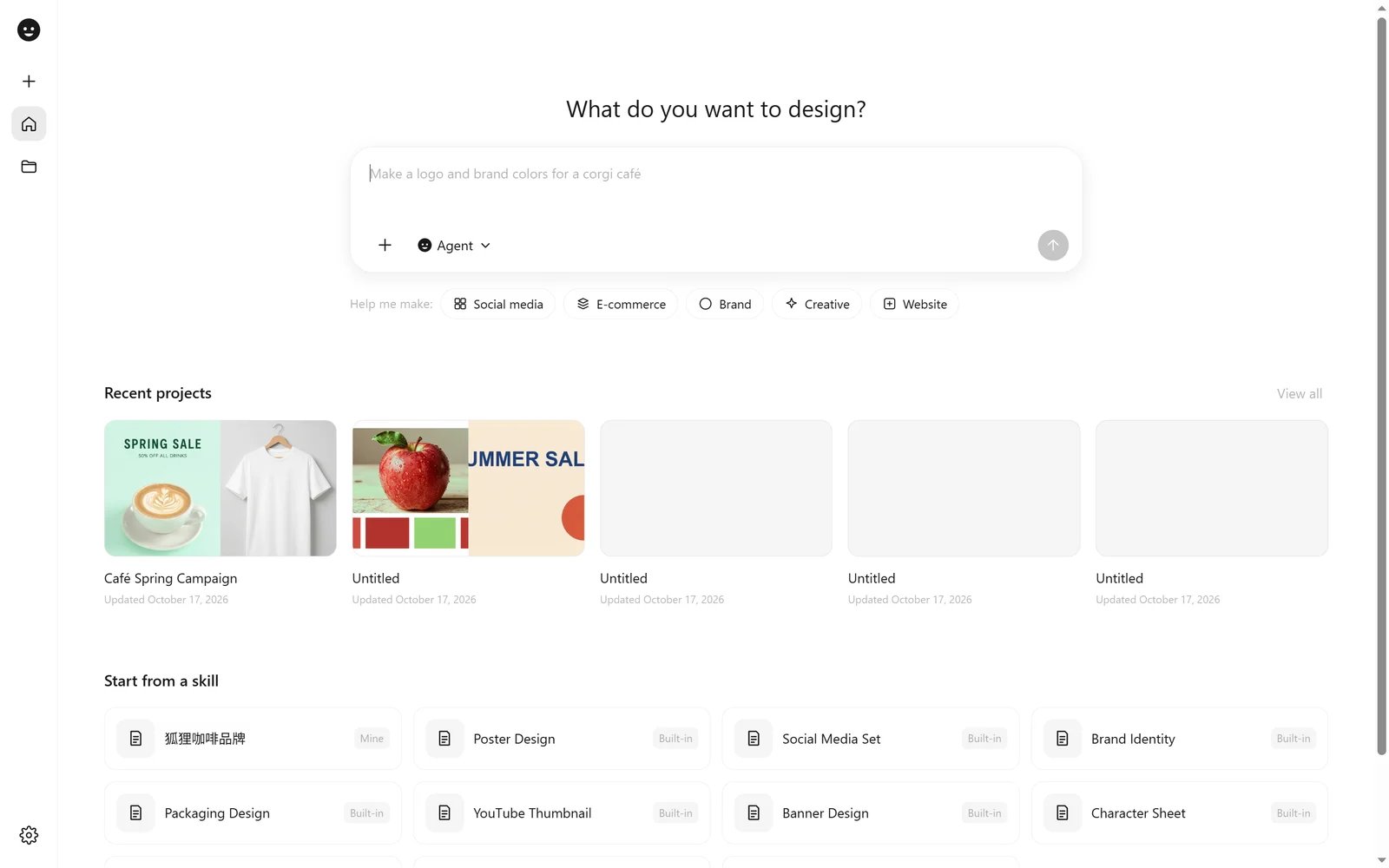
- What do you want to design? Type a request and send it. ComfyArt creates a project and hands the request to the Agent. Attach images with +, or switch the mode to Image or Video to generate straight away.
- Help me make: quick starts (Social media, E-commerce, Brand, Creative, Website) fill in the first half of a prompt for you.
- Recent projects shows your latest canvases; View all opens the project library.
- Start from a skill lists the built-in skills and your own (marked Mine). Picking one opens a new project with that skill attached.
Projects
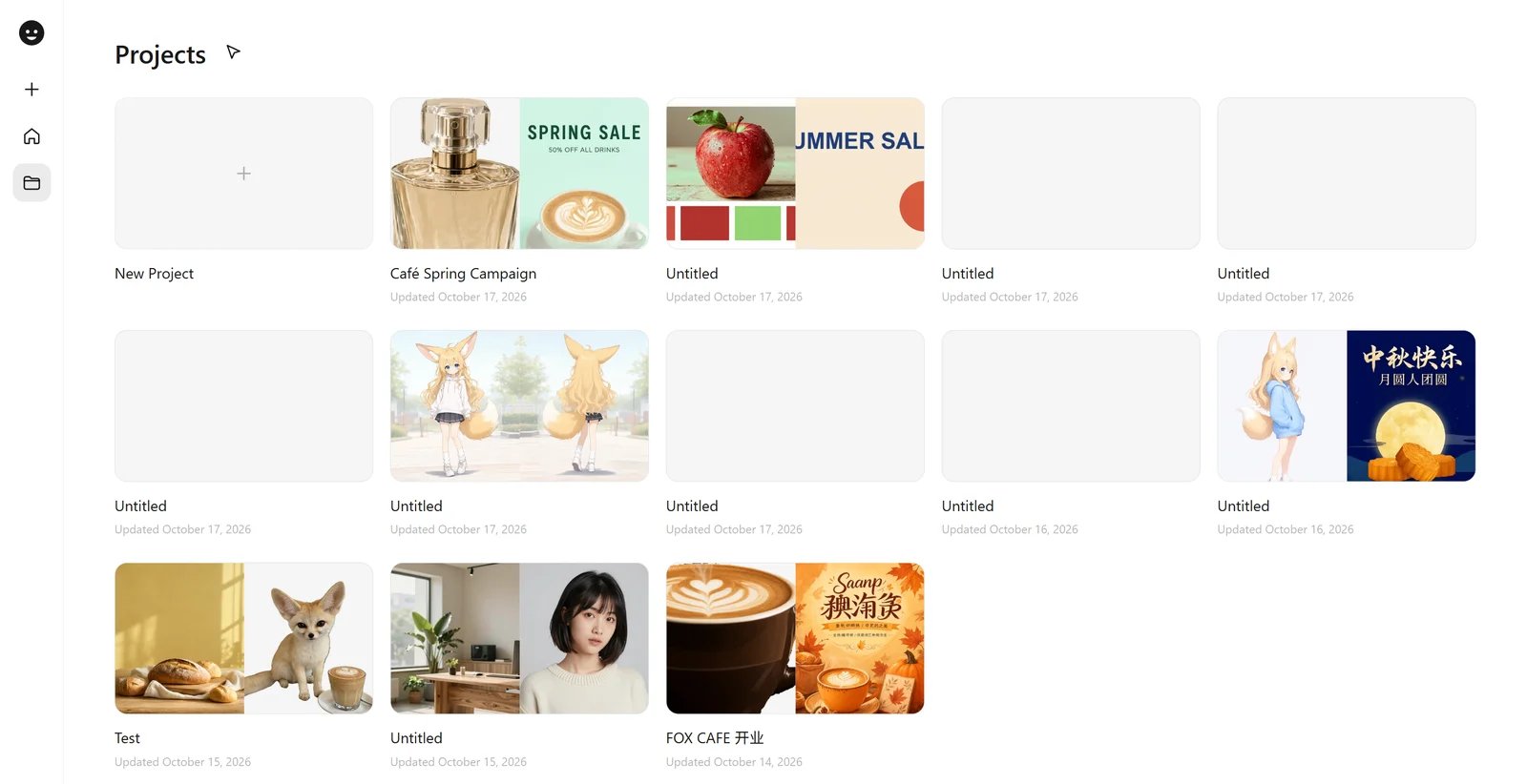
/comfyart/?project=<id>, and is saved in the ComfyUI user directory under comfyart/projects/.
Inside a project
Click the logo at the top left of a project for the project menu.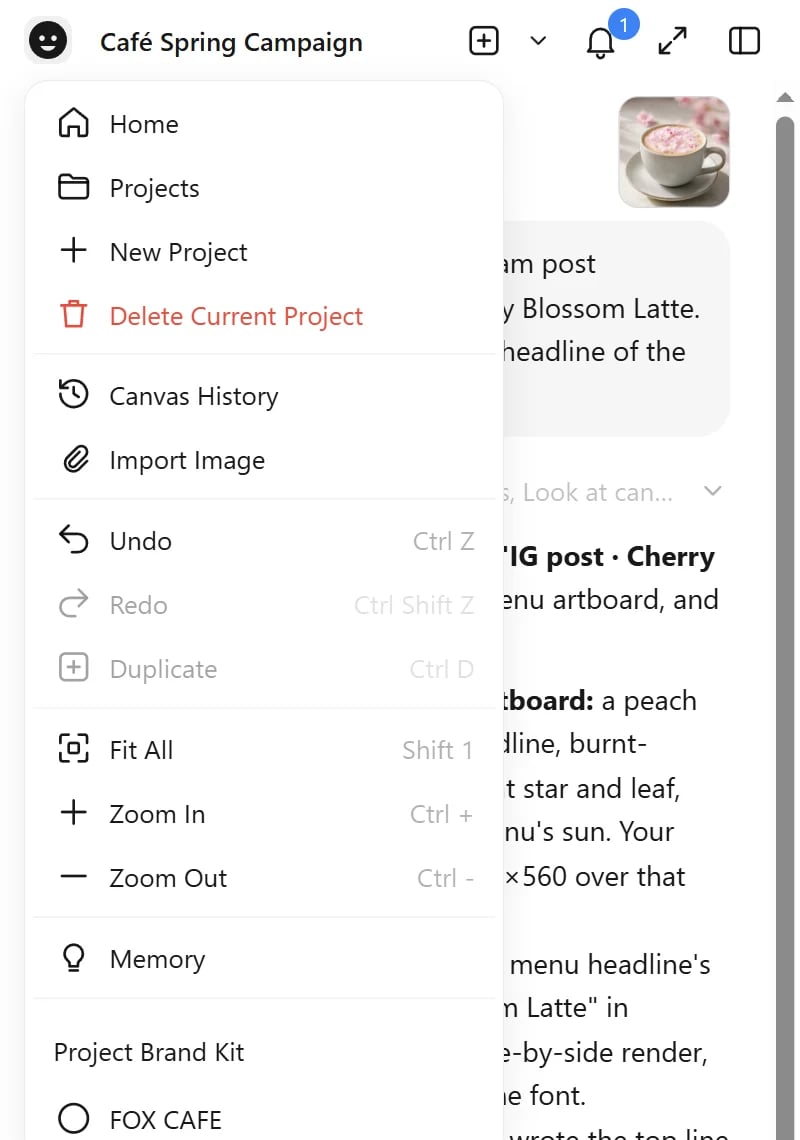
Settings
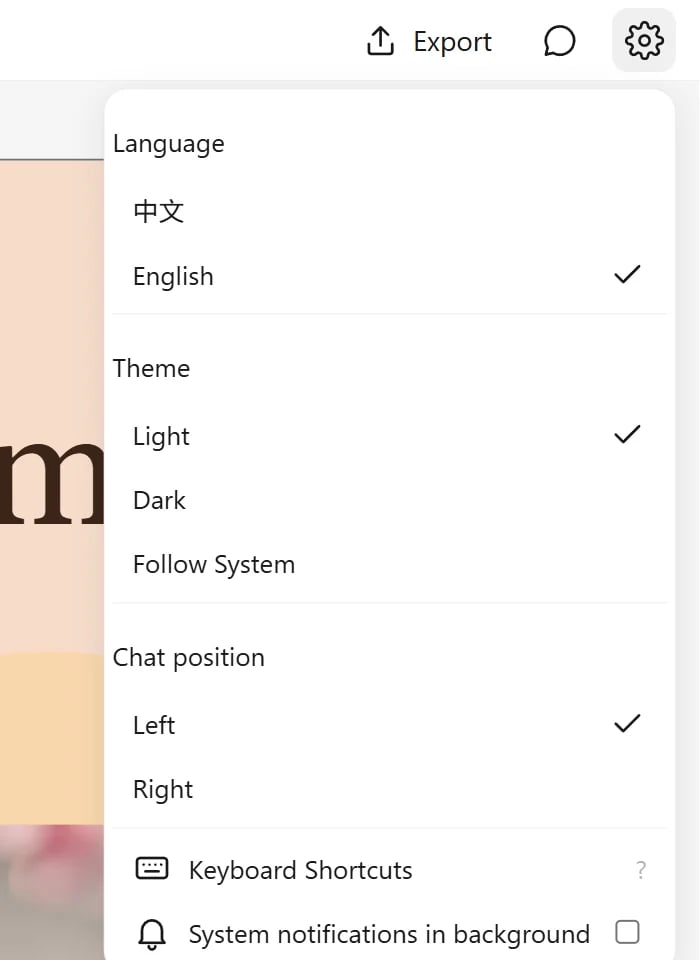
The gear button (top right in a project, bottom left on Home) opens the settings menu.