

My Assets
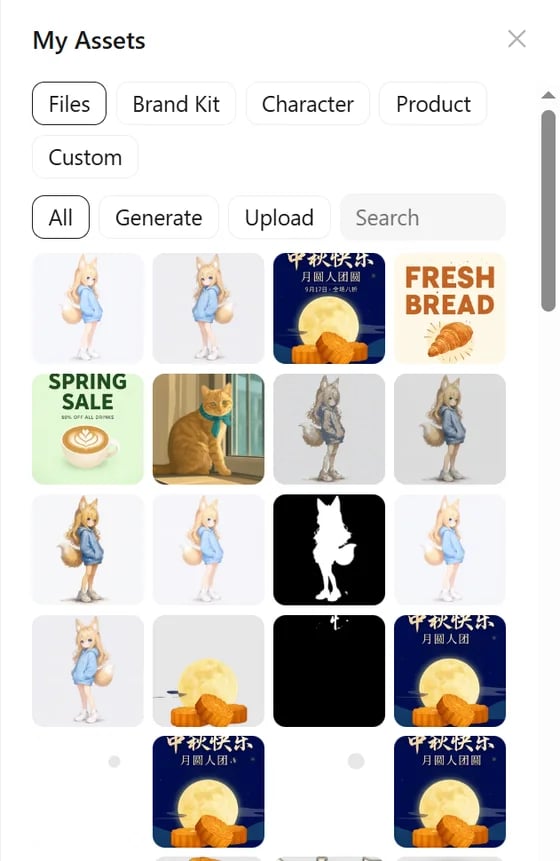
- Files: every image and video in ComfyUI’s asset library, filtered by Generate or Upload, with search. Thumbnails load as you scroll; if a preview cannot be shown, a placeholder icon appears instead.
- Brand Kit, Character, Product, Custom: named assets you create. Select something on the canvas and add it to one of these groups, then reference it in a prompt with
@.
Brand kits
A brand kit collects named color roles, logos, fonts and written guidelines. You can:- Extract a kit from a brand file (image or PDF).
- Upload font files (registered for canvas text) or pick local fonts.
- Make a kit the default for new projects, or start a new project linked to it with Design with This Kit.
- Duplicate a kit and set its cover.