

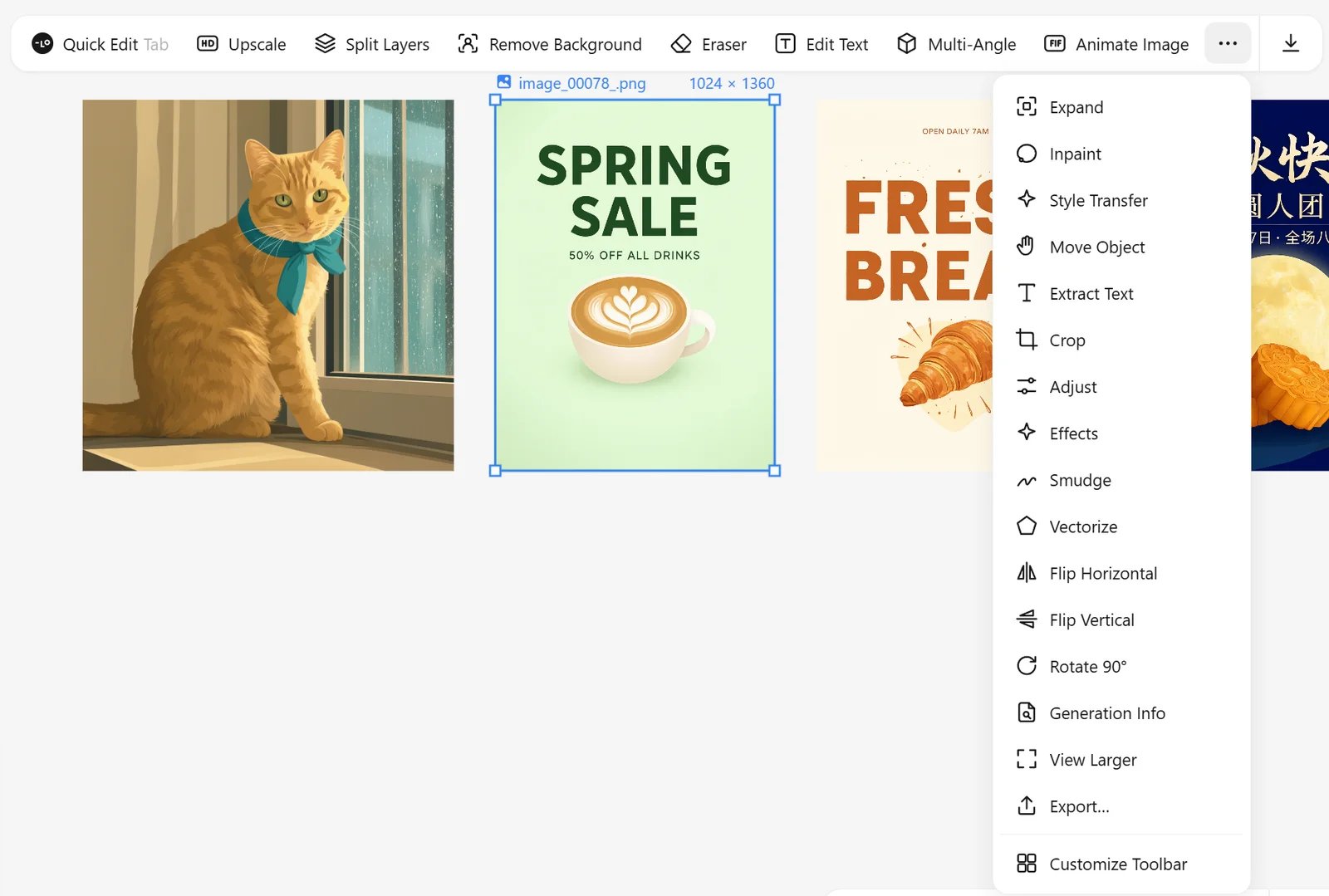
Edit
Clean up
The brush tools (Eraser, Inpaint, Smudge) show the brush size as a circle under the pointer.
Upscale
Upscale 2× or 4×. Faithful to original uses 4x-UltraSharp; Enhance details redraws at the larger size with a style preset and a detail strength, adding new detail.Split layers
Split Layers separates an image into editable layers inside a frame, with a background layer underneath:- Auto Split runs Qwen Image Layered and keeps the useful layers.
- Custom Split lets you draw up to six boxes; SAM3 cuts out the object in each box.
- Separate Regions works on any layer, including one that a split left with two things mixed together: draw one box around the part to pull out, adjust its edges, and that part becomes its own layer, cropped to its visible pixels. It is instant and runs no model.
Text, vectors and info
- Extract Text copies the text in an image (OCR with the local model or the Agent).
- Vectorize traces the image into an SVG. The canvas shows it as a bitmap rendered for the current zoom so it stays fast; downloads and exports keep the full SVG.
- Generation Info shows the prompt, model and settings; Copy Prompt, Remix (same prompt, new seed) and Regenerate are next to it.
- View Larger opens the preview lightbox; Export saves PNG, JPG or PDF.