

Edit Elements
Edit Elements takes a finished image (a poster, an ad, a screenshot of a design) and rebuilds it as an editable artboard:- Every line of text is read with on-device OCR (RapidOCR) and becomes a real text layer at the same position, size, color and weight.
- The main product and logo are cut out as separate image layers with SAM3.
- The text and objects are erased from the picture with LaMa, leaving a clean background layer.
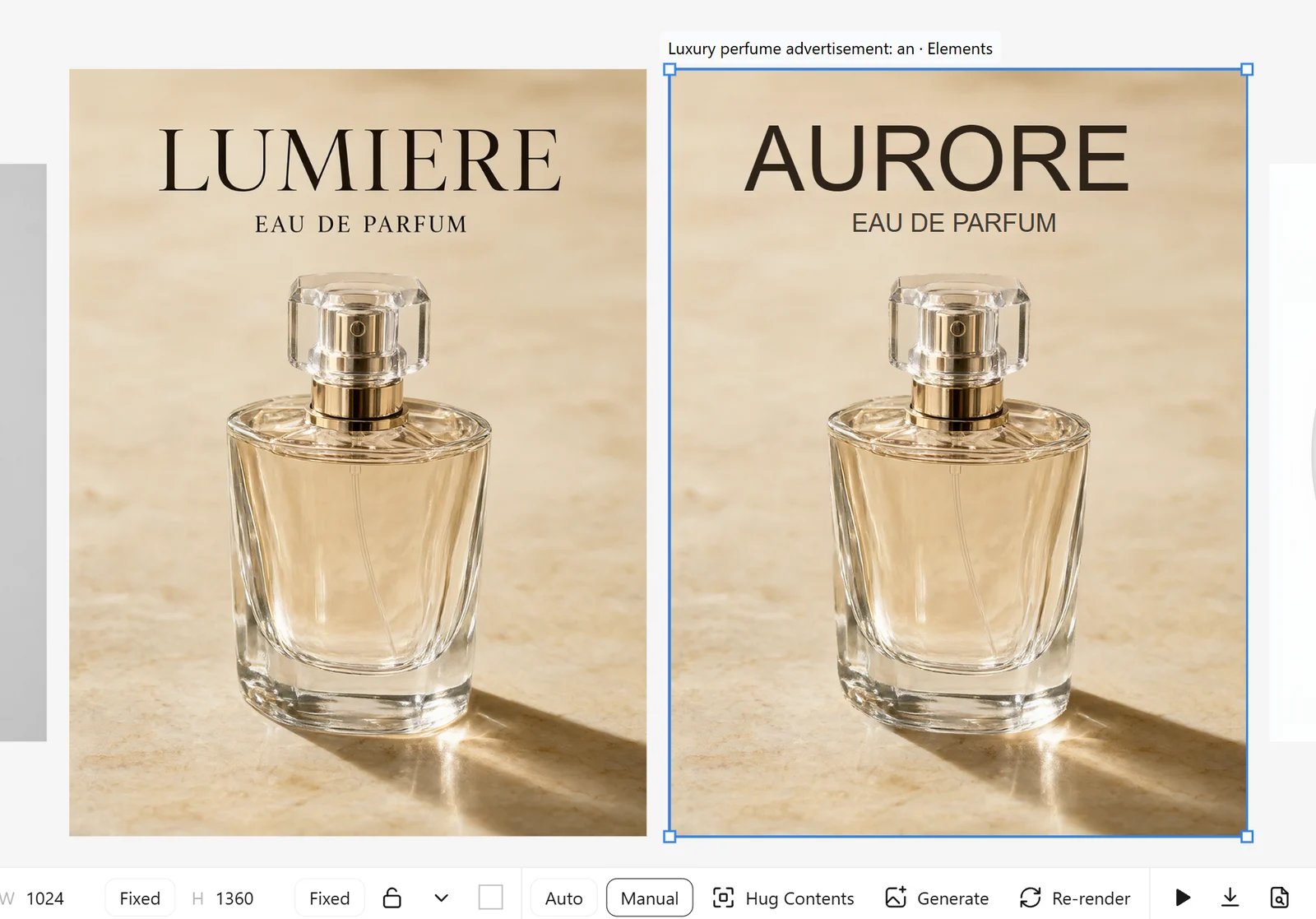
Edit Elements needs
rapidocr (installed by requirements.txt), plus the SAM3 and LaMa models used by the other image tools. See Models.Mockups
Mockup turns a product photo (a t-shirt, mug, bag, box, phone) into a surface you can print a design on. ComfyArt measures the photo’s depth and cuts out the product once; after that, placing the design is instant and runs in your browser.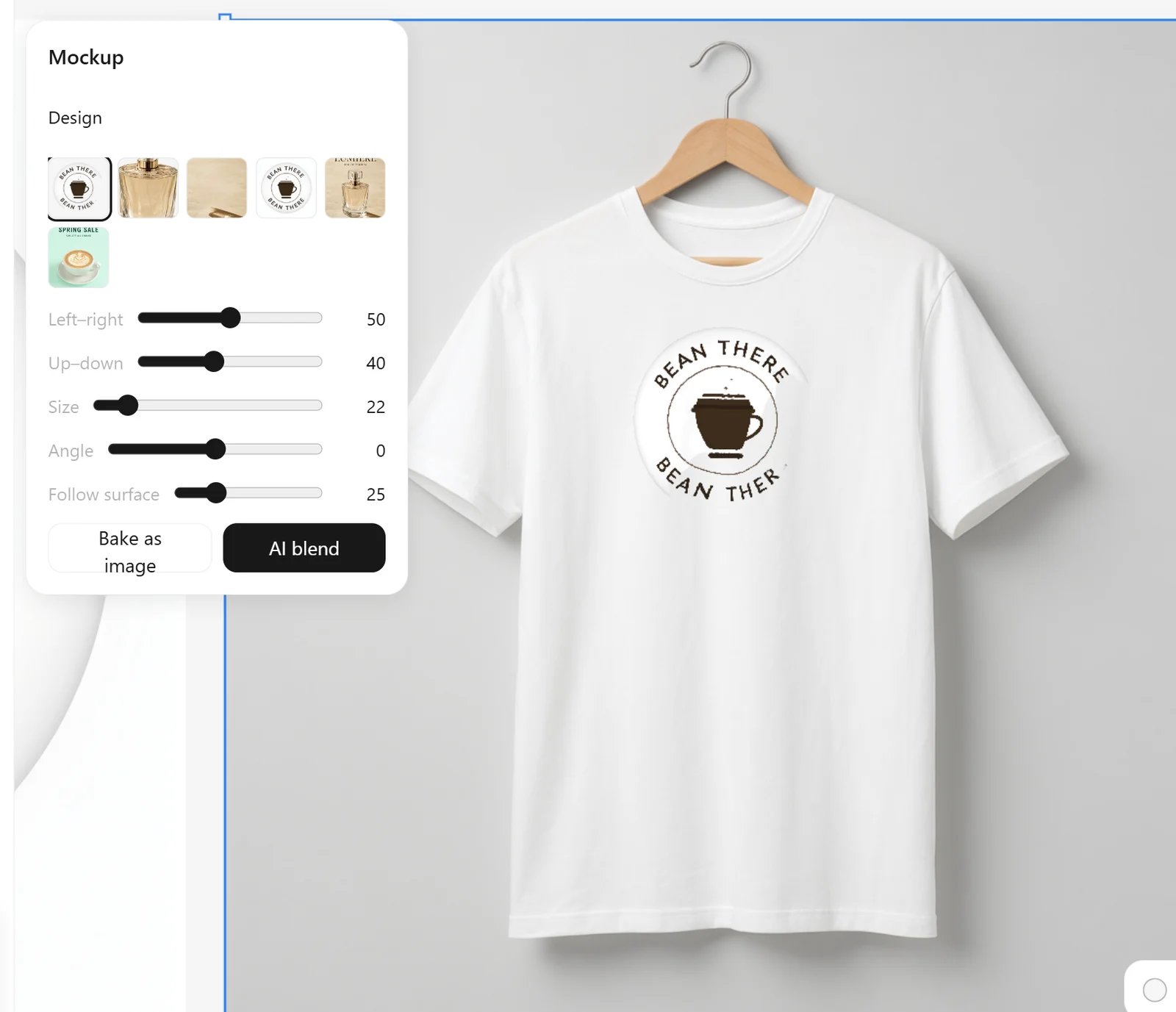
- Design: pick any image from the canvas. Logos with a transparent background work best; run Remove Background first if needed.
- Left–right, Up–down, Size and Angle place the design.
- Follow surface bends the design with the folds and curves of the product. The product’s own shading is laid over the design, and anything outside the product is masked away.
- Bake as image flattens the mockup into a normal image.
- AI blend re-renders the result with the image model for more realistic fabric, print texture and lighting.