Audio generation
Open the generate menu in the bottom bar (the arrow next to Image Generation) and choose Audio generation.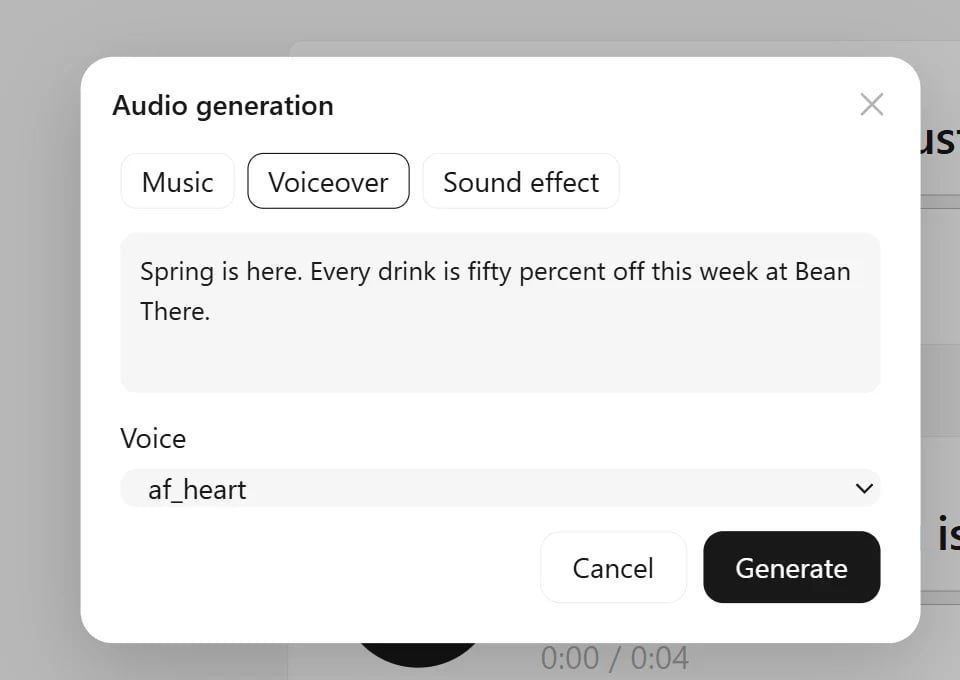
Each result is an audio card on the canvas with a play button, a seek bar and its length. Audio files you drop on the canvas become the same cards, and the Agent can make music, voiceovers and sound effects too.
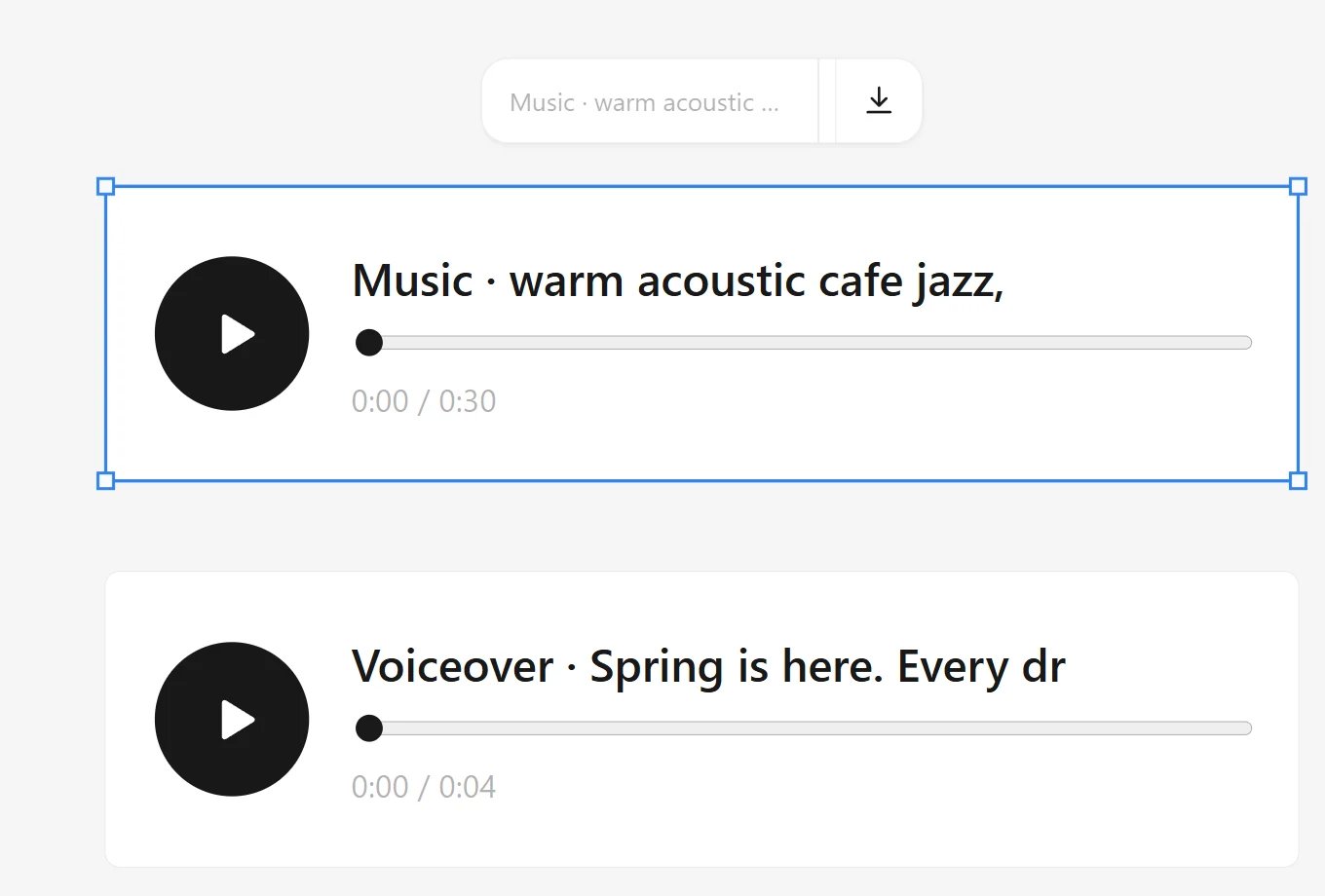
Image to 3D
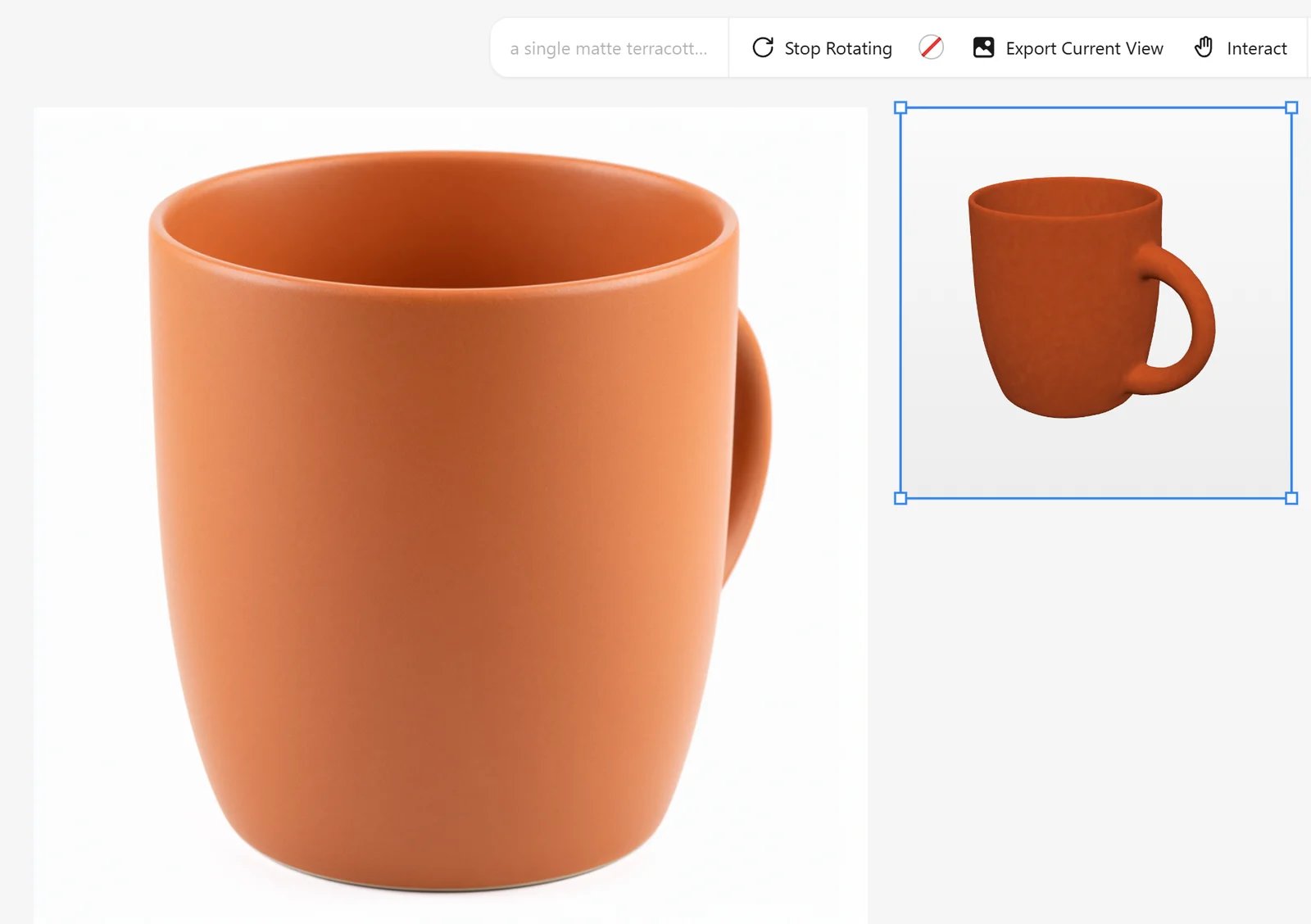
Select an image of a single object, ideally on a plain background, and choose Image to 3D under ⋯. ComfyUI cuts out the object, builds a textured mesh with TRELLIS.2, cleans and simplifies it, and saves a GLB file. The model is placed next to the image.